How to Stop False Motion Alerts From Your Security Camera
Phone buzzing for wind, bugs and headlights? Find the trigger, draw activity zones, tune sensitivity and filter alerts so only real events reach you.
 Save
Most false motion alerts come from a camera that sees too much of the scene or reacts too easily. The fix is to find what keeps triggering it, shrink the detection area with activity zones, lower sensitivity one level at a time, and switch to person or vehicle alerts if your camera has them.
Quick answer
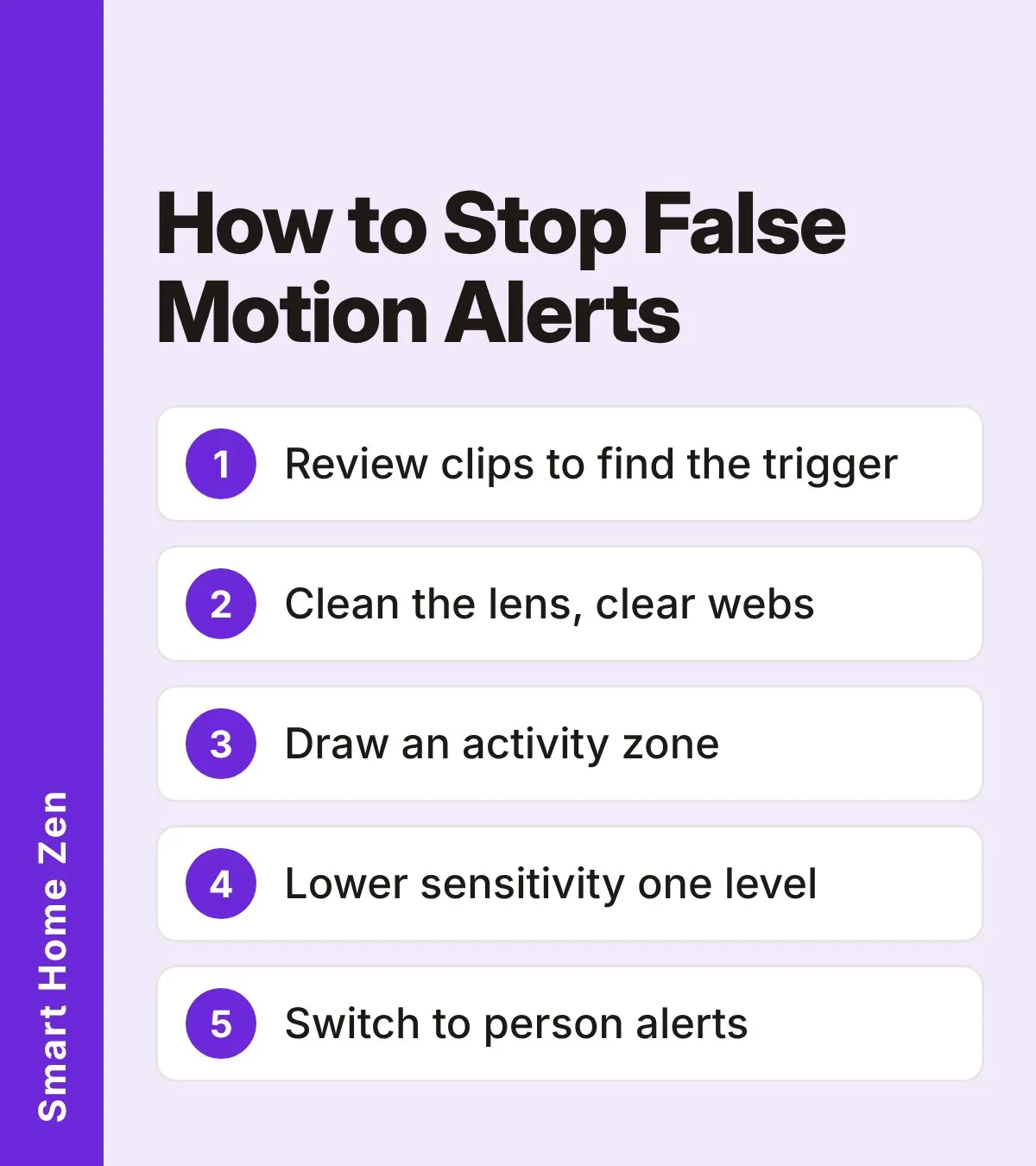
- Review a handful of false-alert clips and write down what moved.
- Re-aim the camera or draw an activity zone so roads, trees and neighbors are outside it.
- Lower sensitivity by one level, save, then test.
- Use person, vehicle, pet or package alerts instead of general motion.
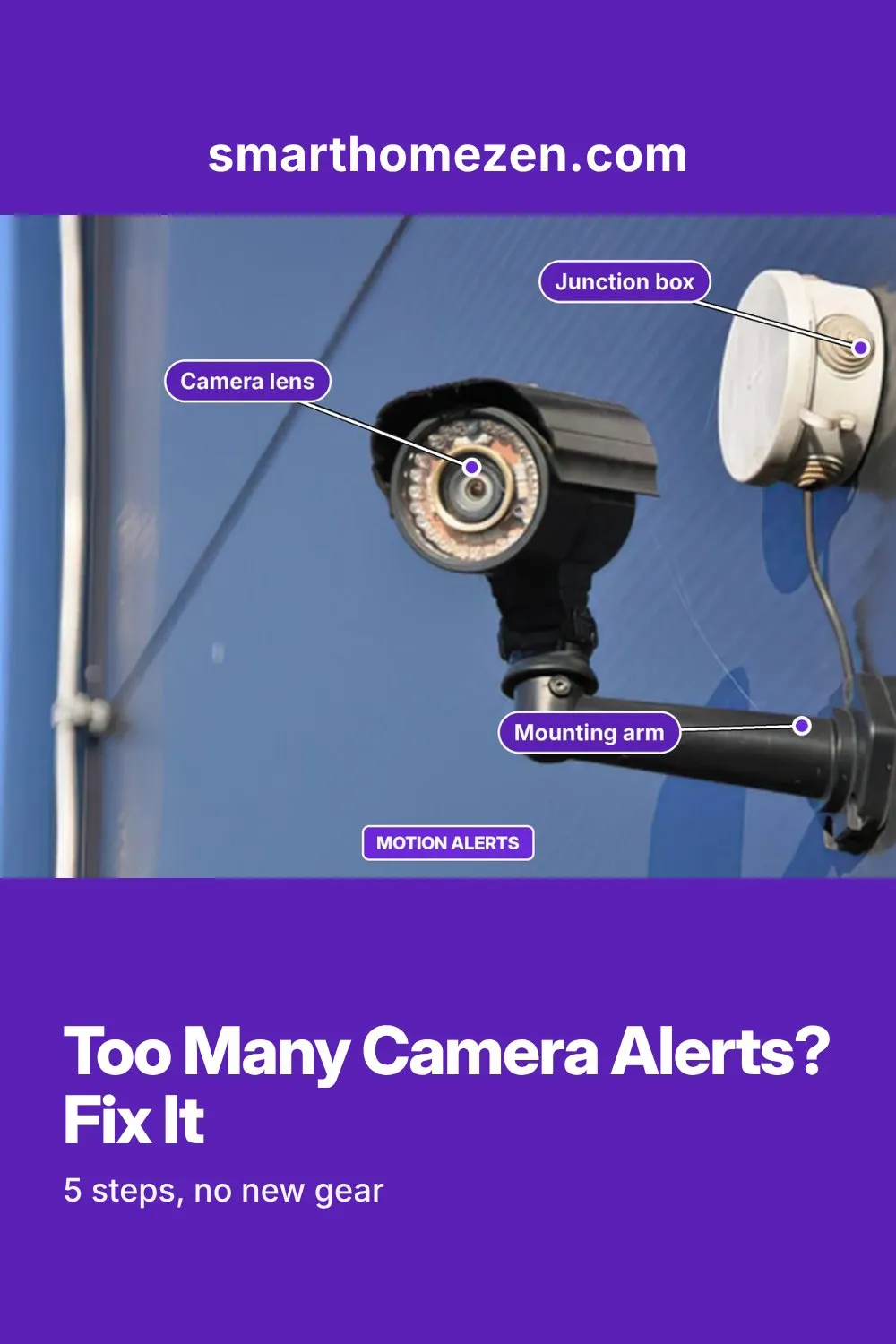
- Clean the lens and clear webs, then trim anything that blows around in view.
What triggers false alerts
Support articles from camera makers and installers list a similar set of culprits. Match your clips against this table.
| Trigger | What you see in the clip | Best fix |
|---|---|---|
| Wind-blown plants, flags, decorations | Leaves or objects swaying, shadows shifting | Trim or secure them; exclude from the zone |
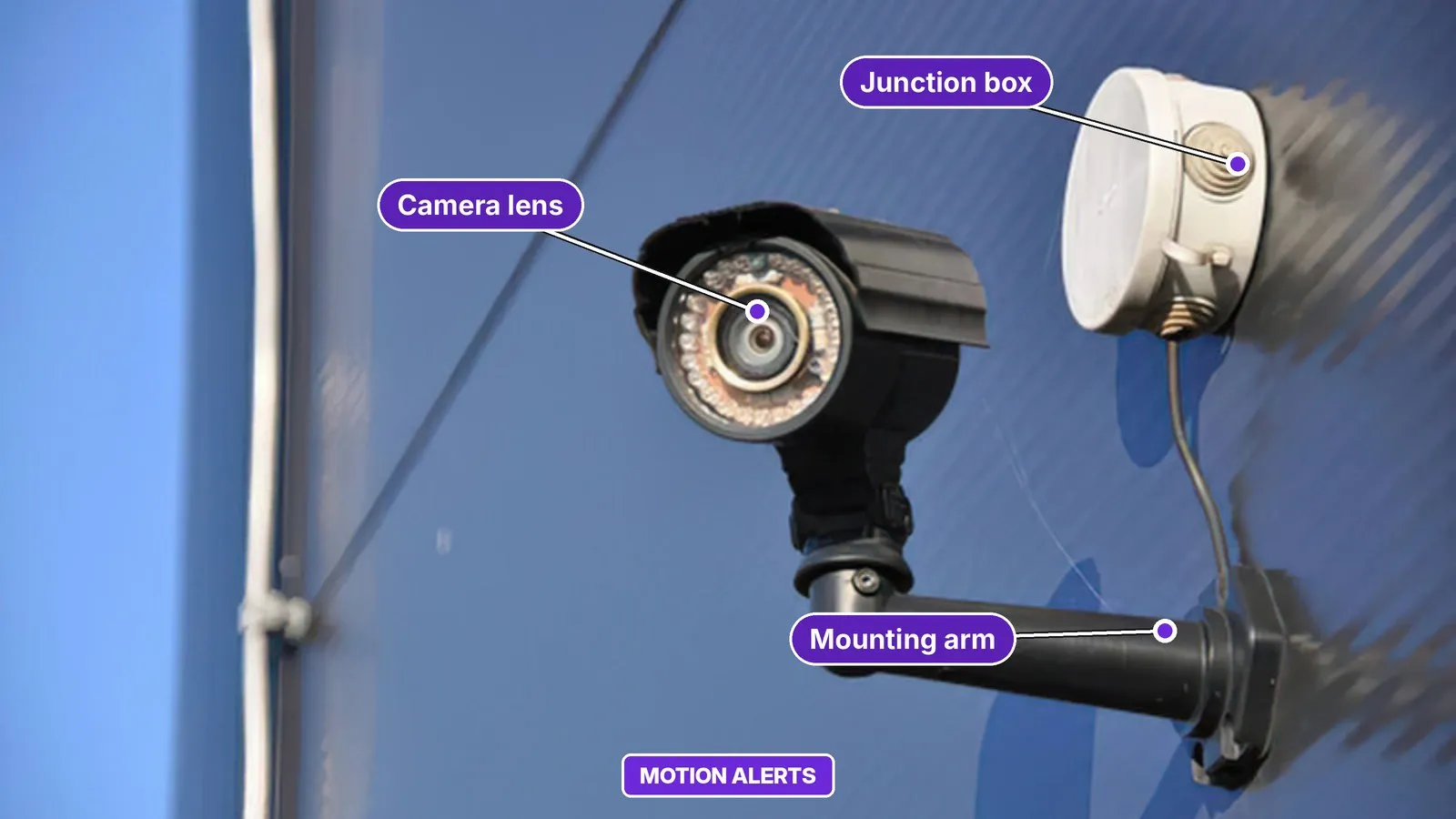
| Insects and spider webs | Large bright blur at night near the lens | Clean the lens and remove webs |
| Headlights and passing traffic | Light sweeping across the frame edge | Re-aim or exclude the road from the zone |
| Rain and snow | Streaks or flecks in the picture | Lower sensitivity a level; use person alerts |
| Shadows and light changes | Sudden brightness shifts, often at dusk | Adjust the zone and check the night angle |
| Pets and animals | Animal crossing the yard | Use person detection or a pet filter if offered |
| Wrong labels | A pet or shadow flagged as a person | Improve the angle; use a narrower zone |
One caution from a manufacturer guide: a visible change in a clip does not prove it was what tripped the sensor, so look for patterns across several clips rather than one.
What you need
- Your camera’s app or recorder menu.
- At least five false-alert clips from recent days, if you can find them.
- A soft microfiber cloth for the lens.
- A second person for a walk test, or a few minutes to walk through the area yourself.
- A stable step stool or ladder only if the camera is mounted high.
Step-by-step: stop false alerts
| Step | What to do |
|---|---|
| 1 | Collect the evidence. Open at least five recent false alerts and sort them by cause: moving plants, headlights, insects or webs, pets, or apparently empty clips. The biggest group tells you where to start. |
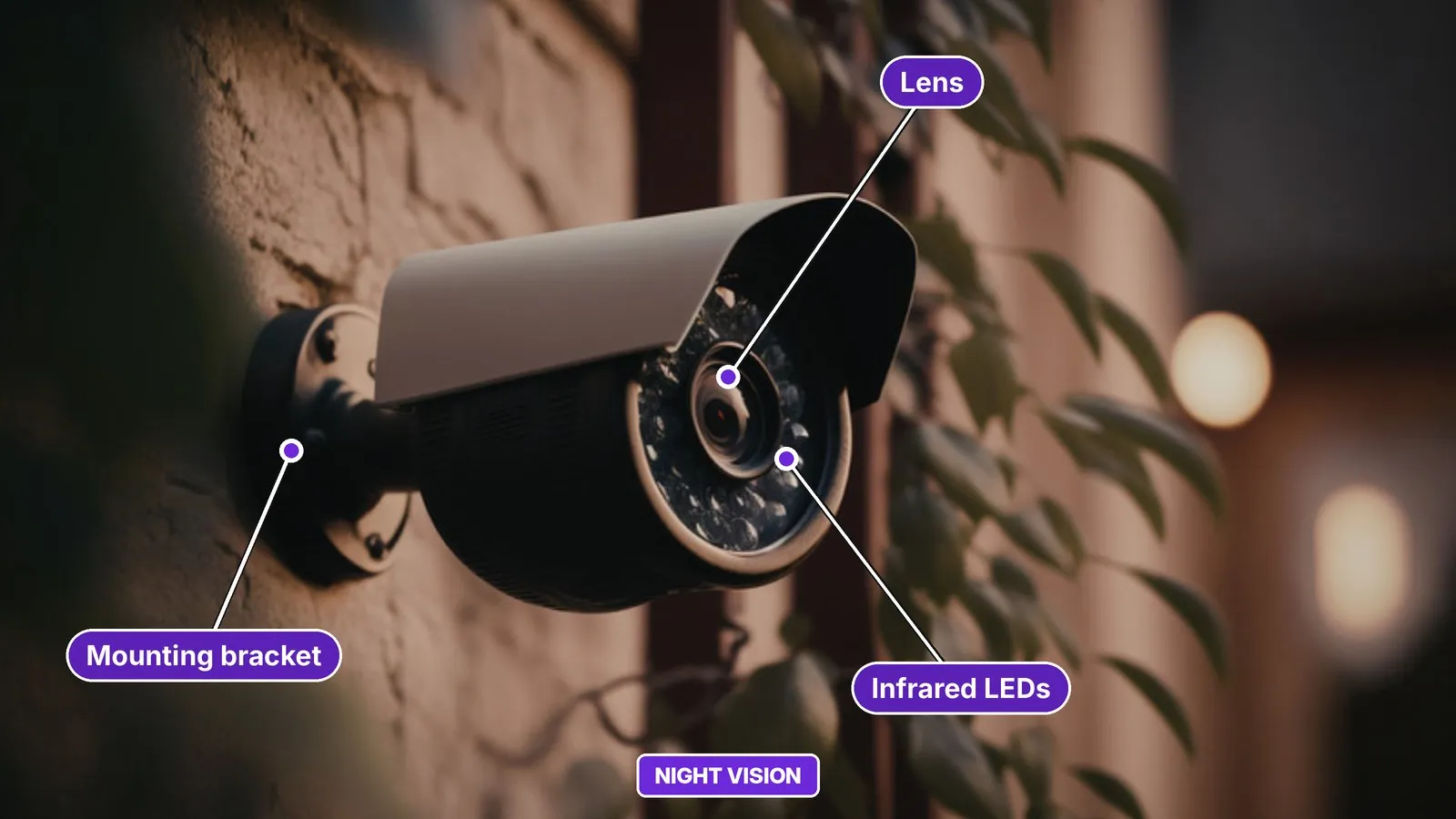
| 2 | Clean the lens and remove webs. At night, insects and webs close to the lens look huge under infrared light and set off the sensor. Wipe the lens and mount gently, and remove webs and nests. Do not spray repellent or water on the camera unless the maker allows it. |
| 3 | Trim or secure what moves. Cut back branches in view and tie down flags, wind chimes and loose decorations. Compare clips from windy periods before you change any settings. |
| 4 | Re-aim the camera. Point it across the route a visitor would walk, such as the path to the door, and push constant background activity toward the edge of the frame or out of it. Check for glass or glossy surfaces that bounce infrared light. For more on height and angle, see where to place outdoor security cameras. |
| 5 | Draw an activity zone. Limit detection to the doorway, porch or section of driveway you need. Leave out the road, the neighbor’s property, bushes and anywhere headlights sweep. Leave a little lead-in space so a person is detected before they reach the door. |
| 6 | Lower sensitivity one level. Reduce it by a single step, save, and test. If alerts are still too frequent, drop another level. Going straight to the minimum risks missing real visitors. |
| 7 | Switch to smart alerts. If your camera offers person, vehicle, pet or package detection, turn those on and turn general motion alerts off for the notifications. Recording can often keep using broader motion. |
| 8 | Set schedules carefully. Separate notifications from recording. A notification schedule can quiet your phone while recording continues, but a detection schedule may change what gets recorded, so read what each setting does first. |
| 9 | Walk test and watch. Change one setting at a time, then walk through the zone and confirm you still get an alert. Watch the next 24 hours for unwanted alerts, treating that as a first check, not proof the problem is gone. |
Common mistakes
- Turning sensitivity to the lowest setting in one go and then missing a delivery or visitor.
- Changing several settings at once, so you never learn which one helped.
- Leaving the zone covering the whole frame, including the street.
- Assuming a quiet notification schedule also stops recording, or the reverse.
- Spraying the camera with insect repellent or water without checking the manual.
- Testing only in daylight. Night triggers, such as insects and infrared glare, differ from daytime ones, so check the night view as well.
If the camera also shows a glowing blob or hazy picture after dark, read security camera night vision not working. If it keeps dropping its connection and alerts arrive late, see why your security camera keeps going offline.
When to call a professional or the maker
Contact the camera maker if alerts continue after you have cleaned the lens, drawn a zone and lowered sensitivity, or if the camera triggers constantly with no visible cause. For high mounting points, wiring changes or anything near mains power, use a qualified installer. Stay off ladders in wet or windy weather, and switch the camera’s power off before touching any wiring.
Sources
 Save
Frequently asked questions
Why does my security camera send alerts when nothing is there?
The usual triggers are moving branches, shadows, headlights, rain or snow, and insects or spider webs near the lens at night. A camera that sees too much of the scene, or has sensitivity set too high, makes it worse.
Should I set motion sensitivity to the lowest level?
No. Lower it by one level, save, and test. Going straight to the minimum can make the camera miss real visitors.
Is a notification schedule the same as a recording schedule?
Not always. A notification schedule may only silence your phone while recording continues, while a detection schedule can change what gets recorded. Check what each control does in your app.
What is the best way to cut alerts without missing people?
Combine an activity zone around the area you care about with person, vehicle or package alerts where your camera offers them, instead of general motion alerts.