Wi-Fi vs PoE Security Cameras: Which Is Better for Your Home?
Compare Wi-Fi and PoE security cameras on reliability, wiring, power, storage and cost, with a clear way to decide which fits your home.
 Save
For most homes, Wi-Fi cameras are the easier and cheaper way to start, and PoE (Power over Ethernet) cameras are the more reliable choice if you can run cable. A PoE camera gets power and video through one network cable, so it does not depend on wireless signal. A Wi-Fi camera is fast to set up but relies on your router reaching it.
Quick answer
Choose Wi-Fi if you have 2 to 4 cameras, rent your home, or cannot run cables. Choose PoE if you are building or remodeling, want 24/7 recording, need cameras far from the router, or plan a larger system of 8 or more cameras.
How each type works
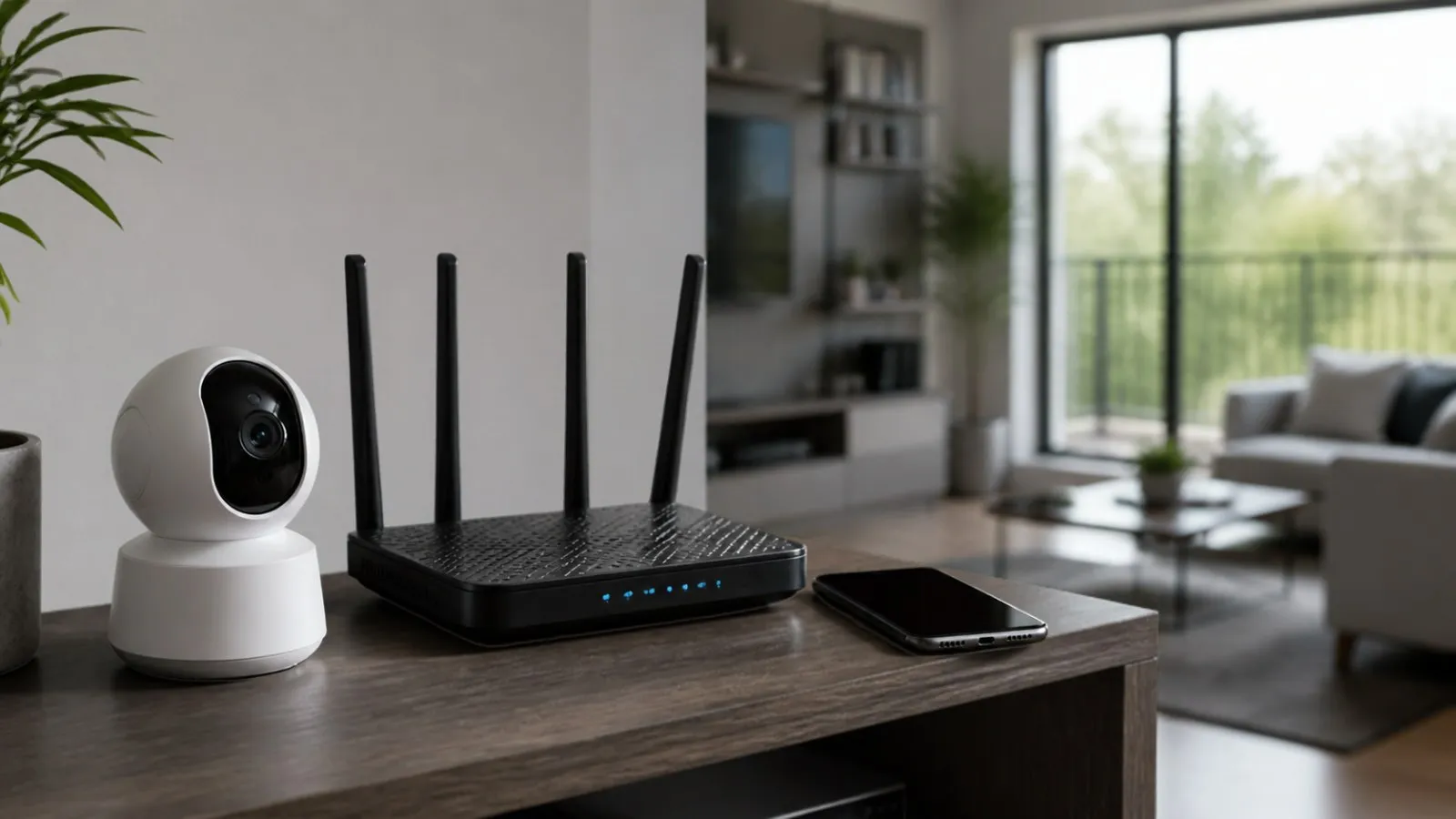
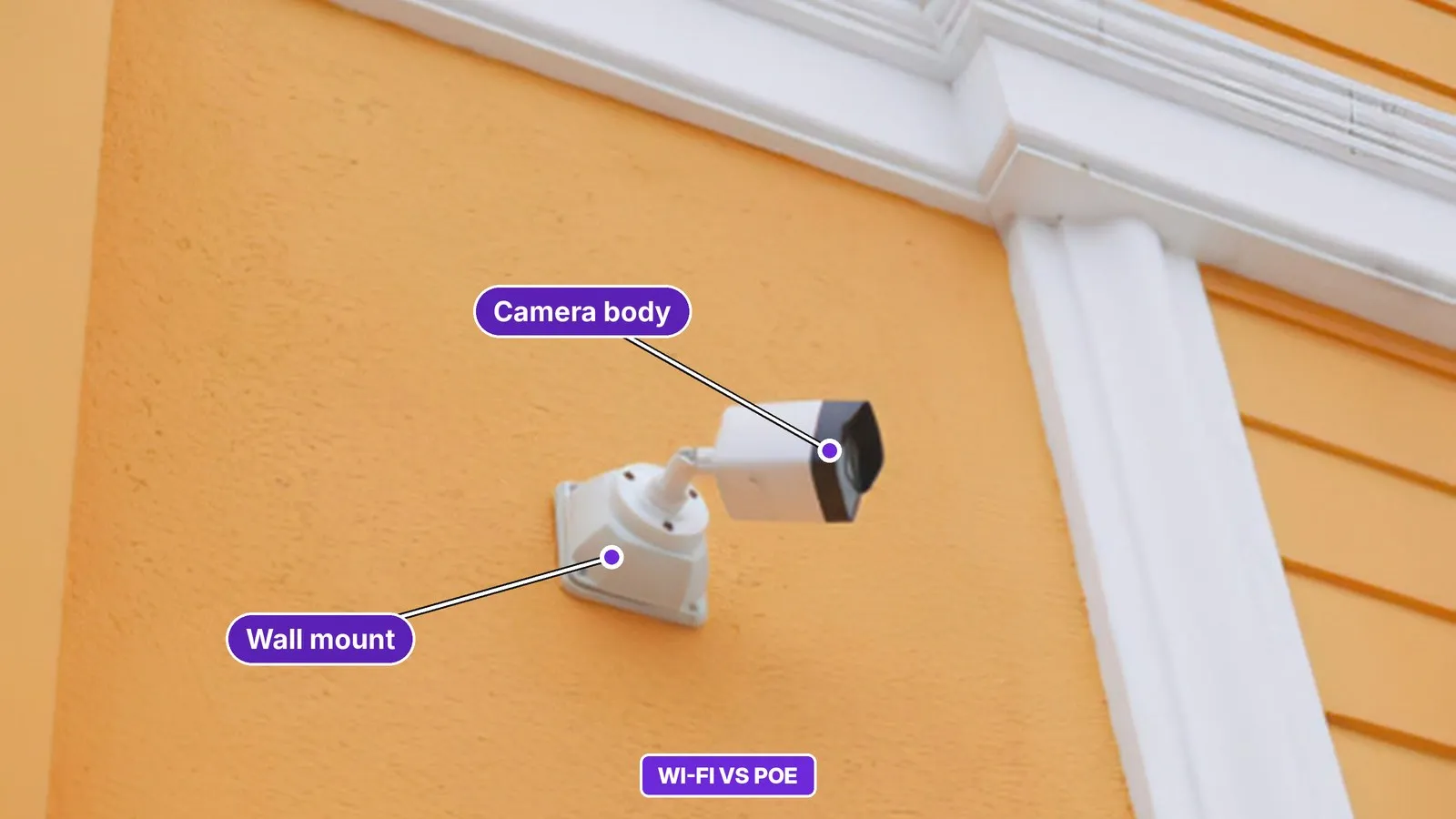
A Wi-Fi camera sends video to your router over the air. It still needs power from a plug-in adapter or a rechargeable battery. A PoE camera connects by an Ethernet cable to a PoE switch, an injector or a recorder (NVR) with PoE ports, and that single cable carries both data and power.
Side-by-side comparison
| Factor | Wi-Fi camera | PoE camera |
|---|---|---|
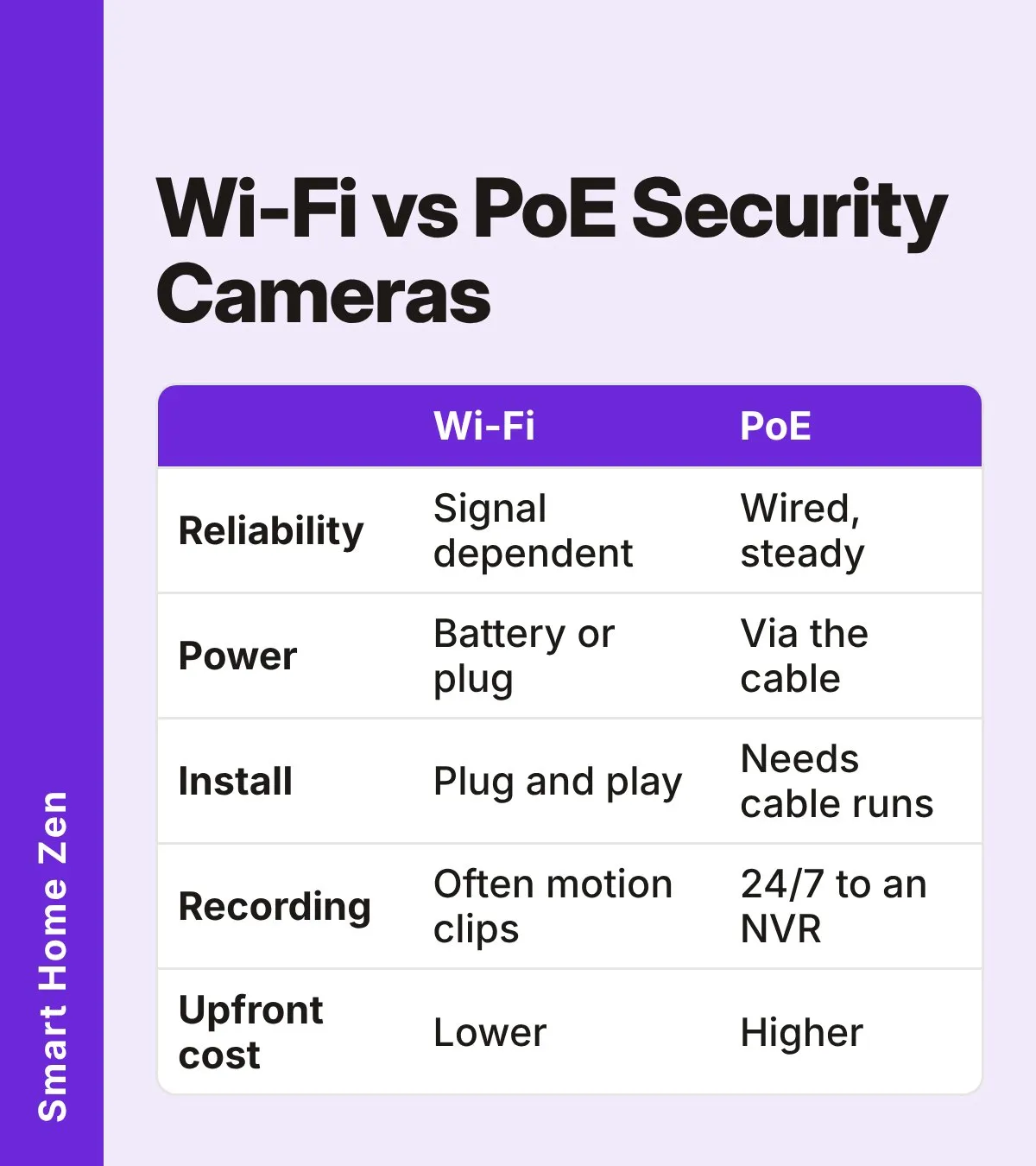
| Reliability | Affected by dead zones and interference, especially on crowded 2.4 GHz networks | Not affected by Wi-Fi signal problems |
| Power | Battery or plug-in adapter | Through the Ethernet cable |
| Installation | Often plug and play, no cable run | Needs cable runs and a PoE switch, injector or NVR |
| Recording | Often motion-triggered clips, especially on battery models | Can record 24/7 to an NVR |
| Bandwidth | Usually lower | Higher with constant high-resolution streaming, but wired networks usually cope |
| Upfront cost | Lower | Higher, because of cabling and a switch or NVR |
| Wireless jamming risk | Possible | None, since there is no wireless link |
Reliability and security
Wi-Fi cameras can drop out when the signal is weak or the network is crowded. If that is your current problem, see why your security camera keeps going offline before you replace anything. A wired PoE connection avoids these issues and cannot be knocked out by a wireless jammer, which is one reason people choose it for front doors and other key spots.
Wi-Fi cameras with strong encryption are still a reasonable choice for lower-risk areas. Whichever type you pick, change default passwords and keep firmware updated.
Installation effort
Wi-Fi cameras are usually running within minutes. If a new camera refuses to join your network, this setup troubleshooting guide covers the common causes.
PoE takes more planning. You need Ethernet cable to each camera location, plus a PoE-capable switch, injector or NVR. It is easiest during construction or a remodel, when walls and ceilings are open.
PoE basics: power and distance
PoE comes in several standards. The table shows the power each can deliver.
| Standard | Name | Power from the port | Power at the camera |
|---|---|---|---|
| 802.3af | PoE (Type 1) | 15.4 W | 12.95 W |
| 802.3at | PoE+ (Type 2) | 30 W | 25.5 W |
| 802.3bt | PoE++ (Type 3) | 60 W | 51 W |
| 802.3bt | PoE++ (Type 4) | 90 W | 71.3 W |
Most home cameras use the basic standard, and some power-hungry models may need PoE+. Check the camera’s specifications and make sure your switch or NVR supports the standard it needs.
Cable runs are limited to about 100 m (328 ft). Because some power is lost along the cable, higher-power equipment may reach less far. A camera on a 15.4 W port at the far end of a long run may struggle at night when its infrared lights draw more power. A PoE+ port gives more headroom. To go farther, you can add an intermediate switch, PoE extenders or a fiber link with a local PoE converter.
Cost over time
Wi-Fi is the cheaper start for a small setup. Costs can rise later with replacement batteries, Wi-Fi extenders or mesh nodes, and cloud subscriptions if you use them. With 8 or more cameras, PoE can match or beat Wi-Fi over time, since the wiring is a one-time job and local recording avoids monthly fees. Not all brands charge for cloud storage; check what each model includes before you buy.
Step-by-step: how to choose
Use this short checklist:
| Step | What to do |
|---|---|
| 1 | Check cable access. Can you run cable to each camera spot? If not, choose Wi-Fi or battery cameras. |
| 2 | Test the signal. Is Wi-Fi strong where the camera will sit? If it is weak, PoE avoids the problem. |
| 3 | Decide on recording. Do you want continuous recording? PoE with an NVR suits this best. |
| 4 | Consider renting. Is this a rental? Wi-Fi cameras are easier to take with you. |
| 5 | Plan ahead. Are you building or remodeling? Run Ethernet now, even if you start with only a few cameras. |
Mixing both types
You do not have to pick only one. A common approach is to use PoE for the spots that matter most, such as the front door and driveway, where steady power and a stable connection are worth the cabling effort. Wi-Fi or battery cameras can then cover places where a cable is impractical, such as a detached shed, a fence line or a rented room. If you go this way, keep the two groups in mind when you plan your network: PoE cameras connect through a switch or recorder, while Wi-Fi cameras share your router’s wireless capacity with every phone, laptop and speaker in the house.
It also helps to think about what happens during a power cut or internet outage. A PoE system with a recorder can keep recording locally as long as the switch and recorder have power, and a small backup battery (UPS) can extend that. Wi-Fi cameras stop recording when the router loses power, although battery models may keep running on their own for a while. Check each model’s specifications for what it does when the internet is down, because behavior varies between brands.
Common mistakes
- Buying PoE cameras without a PoE switch, injector or NVR to power them.
- Assuming a PoE camera needs no network planning; it still needs a place on your network.
- Choosing a long run on the lowest PoE power class without checking the camera’s power needs.
- Placing a Wi-Fi camera where the signal is poor and hoping it works.
- Skipping password changes and firmware updates on either type.
When to call a professional
Running cable through walls, attics or exterior siding, or working near mains wiring, is best left to a qualified installer or electrician. Low-voltage network cable is much safer than mains wiring, but drilling and cable routing still carry risks. Always follow the manufacturer’s instructions and local codes.
Sources
 Save
Frequently asked questions
Are PoE cameras more reliable than Wi-Fi cameras?
Generally yes. A wired PoE camera is not affected by dead zones, interference or Wi-Fi jamming, while a Wi-Fi camera depends on signal strength at its location.
How long can a PoE cable be?
A standard Ethernet run for PoE is limited to about 100 m (328 ft). Higher-power cameras may fall short of that distance because power is lost along the cable.
Do Wi-Fi cameras still need a power source?
Yes. They need either a rechargeable battery or a plug-in power adapter. Only the video connection is wireless.
Can I mix Wi-Fi and PoE cameras at home?
Yes. Many homes use PoE where cameras are hard to reach by wireless signal and Wi-Fi or battery cameras in spots where running a cable is impractical.